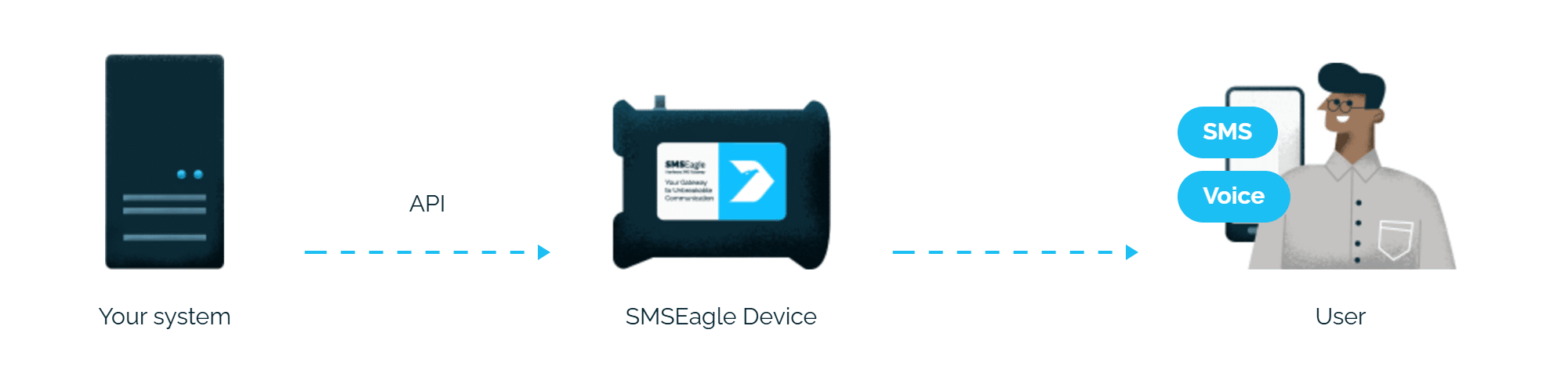
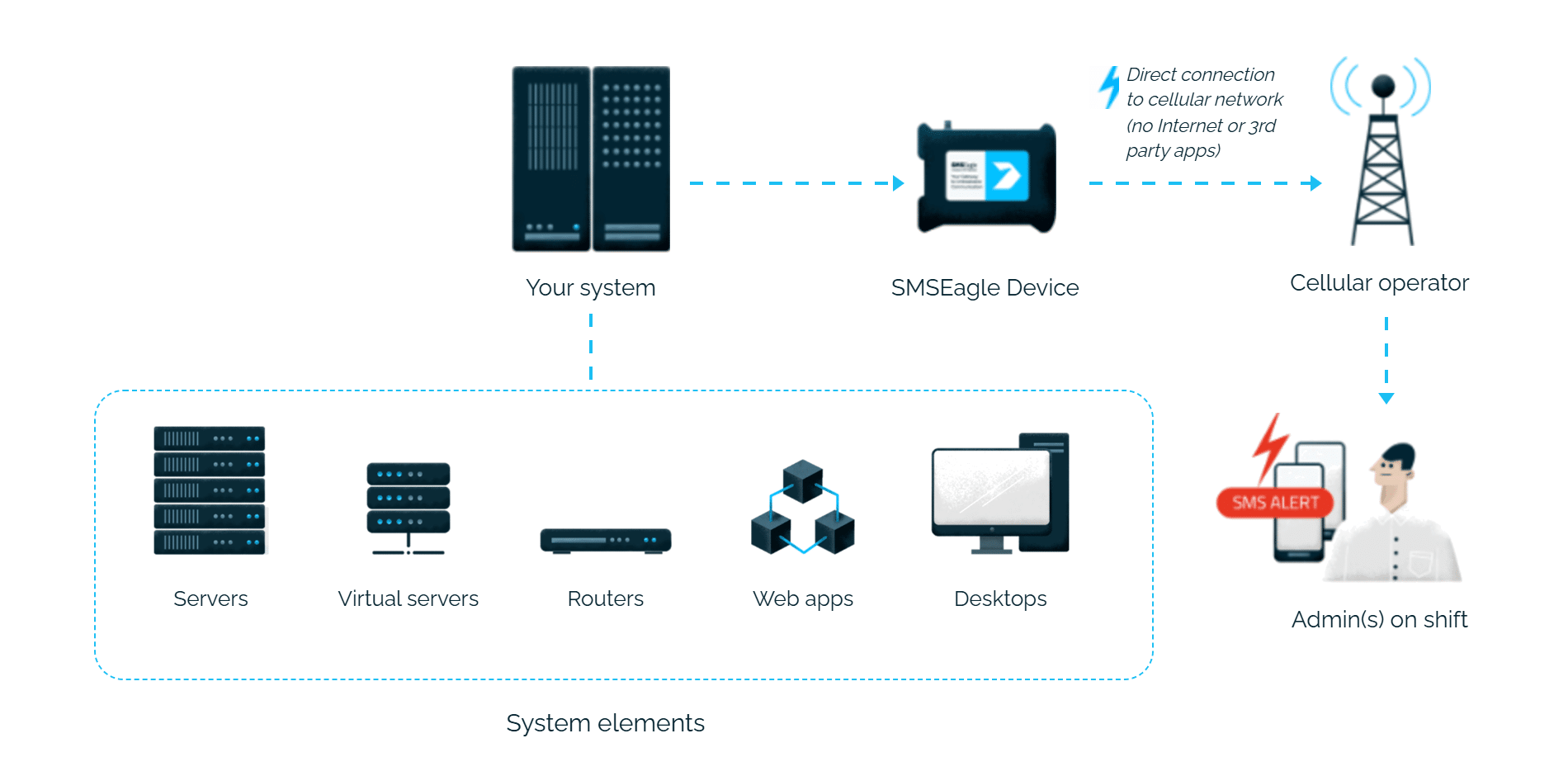
Easy Man alerts reach the person on duty as an SMS. SMSEagle sends them over its own cellular connection, so they don’t depend on internet access or a cloud service.
SMSEagle sends Easy Man alerts to the right person by SMS, day and night.
No per-message fees
SMSEagle sends SMS through a regular SIM card, so you only pay for your mobile plan.
Alerts keep going if one carrier fails
On devices with two SIM cards from different operators, SMSEagle switches to the second one when the first operator’s network is down.
Alerts keep working even if one device fails
Two SMSEagle devices can work as an HA cluster: if one fails, the other takes over sending.
SMSEagle configuration
Create a new user in SMSEagle (menu System > Users) with access level “User”.
Grant API access to the created user:
go to Settings > Global settings > API and open the API v1 page
click Create API key, fill in Key name and select that user as Owner
Add access permissions in section Permissions for: Send SMS, Send to contact, Send to group
click Create key. The access token is shown only once, right after saving.
Easy Man configuration
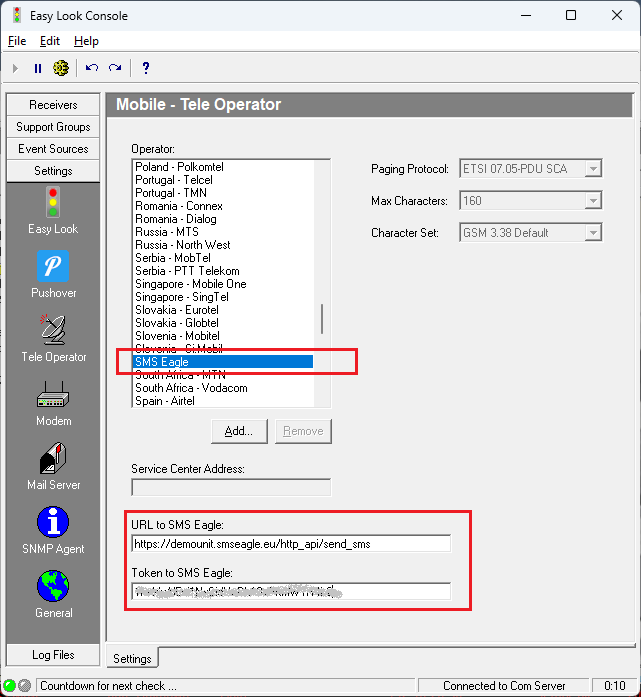
Go to Settings/Tele Operator.
a) Select “SMS Eagle” from the list
b) change URL to SMSEagle device to: http://IP.ADDRESS.OF.SMSEAGLE/http_api/send_sms
where IP.ADDRESS.OF.SMSEAGLE is the actual IP or domain name of your SMSEagle device
c) insert a token to your SMSEagle API that was created in the point above
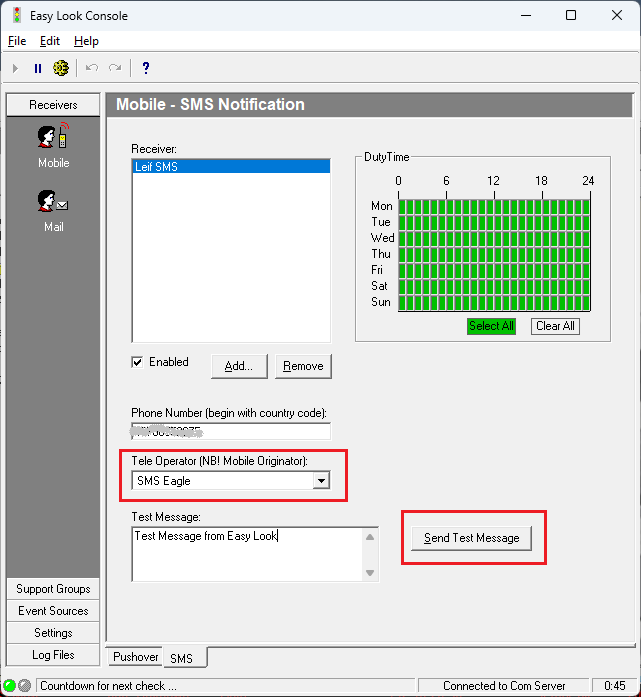
Goto Receivers/Mobile and tab SMS.
Choose SMS Eagle for each user you add.
Send a Test Message.
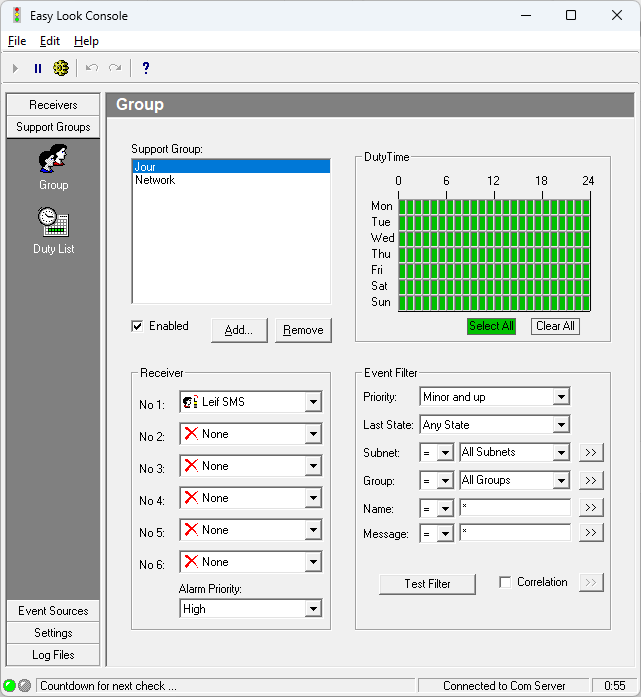
When this is working, go to Support Group and configure all rules for alarms.
Explore SMSEagle Demo device
SMSEagle is a hardware & software solution that guarantees a swift delivery of your messages to designated recipients, whether it’s for notifications, alerts, or important updates.
After registering to a demo you get a remote access to our physical device NXS-9750.